


Learn your times tables
the fun way – quick and zappy!


Why kids love MulZap
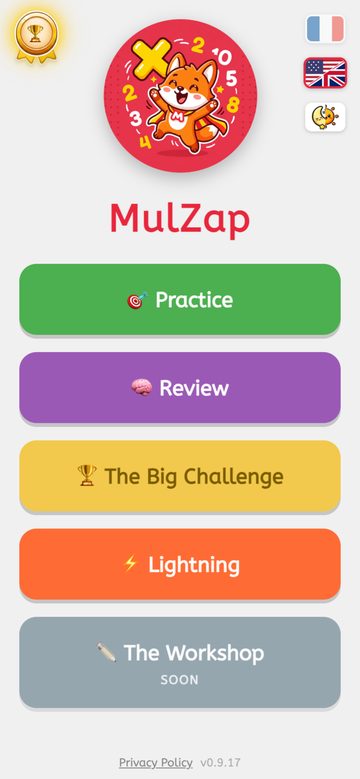
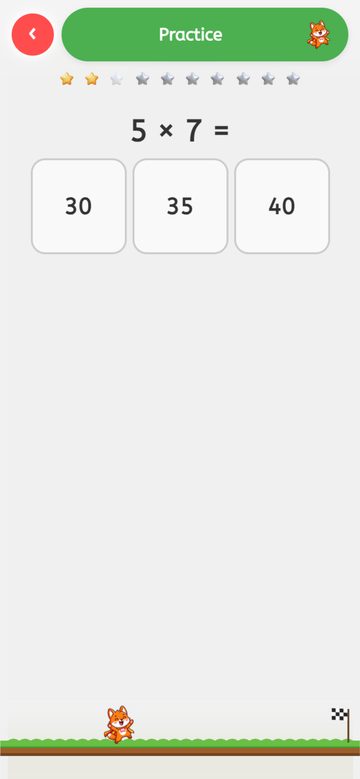
Training
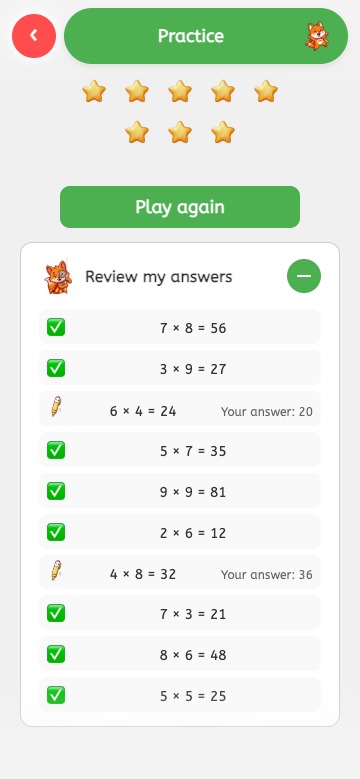
Pick the tables you want to practice (1 to 12) and play a 10-question round, earning golden stars.
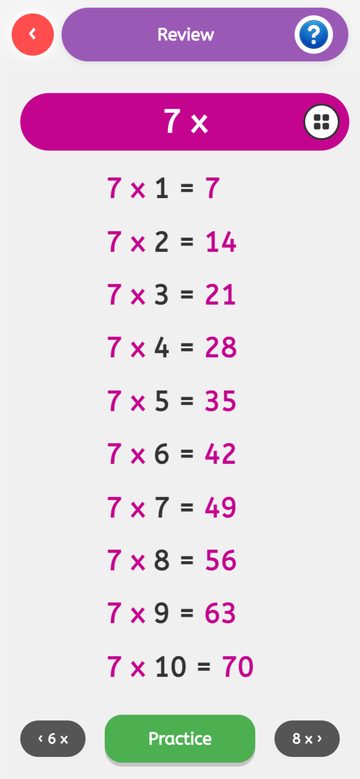
Review
Spot at a glance which tables still need work, then jump straight into practice.
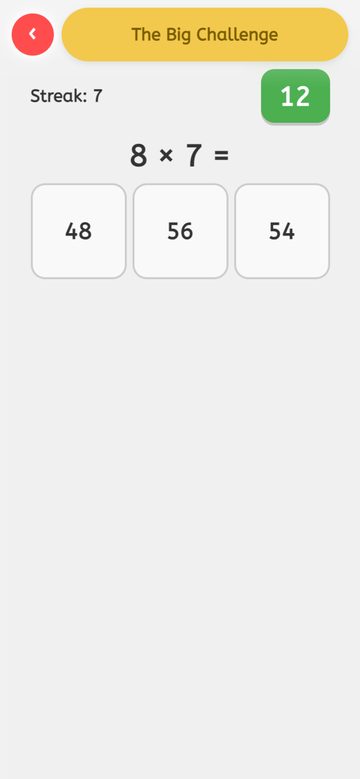
The Big Challenge
All the tables mixed together, in Easy, Normal or Hard mode: the real test to see what's been learned.
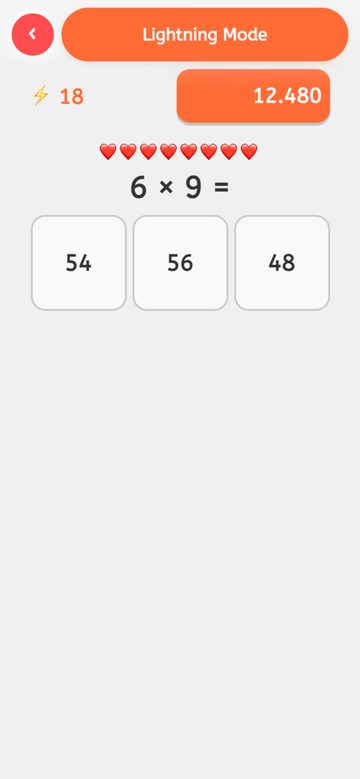
Lightning
Answer as fast as you can, in Easy, Normal or Hard mode! For kids ready to push further.
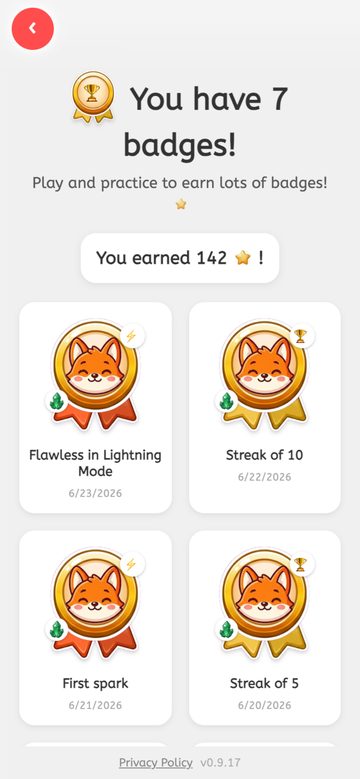
Badges to unlock
Progress rewards that motivate kids, with zero pressure.
Friends for the fox
Earn stars to meet new friends of the fox mascot and pick who plays with you. Nothing to buy: everything is earned by playing.
Light & dark mode
Follows your phone's setting, or switch it by hand — easy on the eyes any time of day.
100% Safe
No ads, no personal data collected. Designed for children.
Offline
Works without an internet connection. Perfect in the car or on holiday!
Frequently asked questions
How can I help my child learn their times tables?
Short, regular practice is the most effective method: a few minutes a day beats one long session. MulZap turns this practice into a game: the child answers sets of 10 questions, gets instant feedback, and earns stars, which keeps motivation high without pressure. See our full guide to learning times tables.
Does MulZap reward my child's progress?
Yes, with badges to unlock as the child progresses (streaks of correct answers, total stars earned, etc.) and new friends for the fox mascot, met by earning stars. These rewards celebrate effort without creating pressure or competition: none of them is tied to a purchase, a donation, or a ranking against other players.
Is there a free, ad-free app for times tables?
Yes. MulZap is completely free, with no ads and no required purchases. It contains no banners or video ads, making it a safe environment for children.
Does MulZap work without an internet connection?
Yes, MulZap works fully offline. Once installed, no connection is needed: ideal in the car, on holiday, or in areas with no network.
Which times tables can be practiced?
All tables from 1 to 12. The child (or parent) picks the tables to work on before each game, and the Review mode makes it easy to spot the ones that need the most work.
Does MulZap have a leaderboard?
Yes, a best-scores leaderboard for the Big Challenge and Lightning modes, but it's local to the device only, never shared or compared with other players.
Does MulZap collect personal data about my child?
No. MulZap requires no account, collects no personal data, and uses no advertising trackers. Progress is stored only on the device. See our privacy policy.
What age is MulZap suitable for?
MulZap suits children who are beginning to learn their times tables, typically from around age 7-8, through to consolidation in primary school.
☕ Support MulZap
MulZap is free, ad-free and collects no data — and always will be. If the app is useful to you, you can support its development with a small donation.
 Support me on Ko-fi
 Support me on Liberapay
💬 Support
A problem? A question? An idea to improve the app?
Our team replies within 48h.